
Connect Contio to Your AI Tools with the New API & MCP
Meet the Contio API and Contio MCP: connect your meetings to Claude, ChatGPT, and the AI tools you already use. Every meeting makes your AI smarter. Start free.
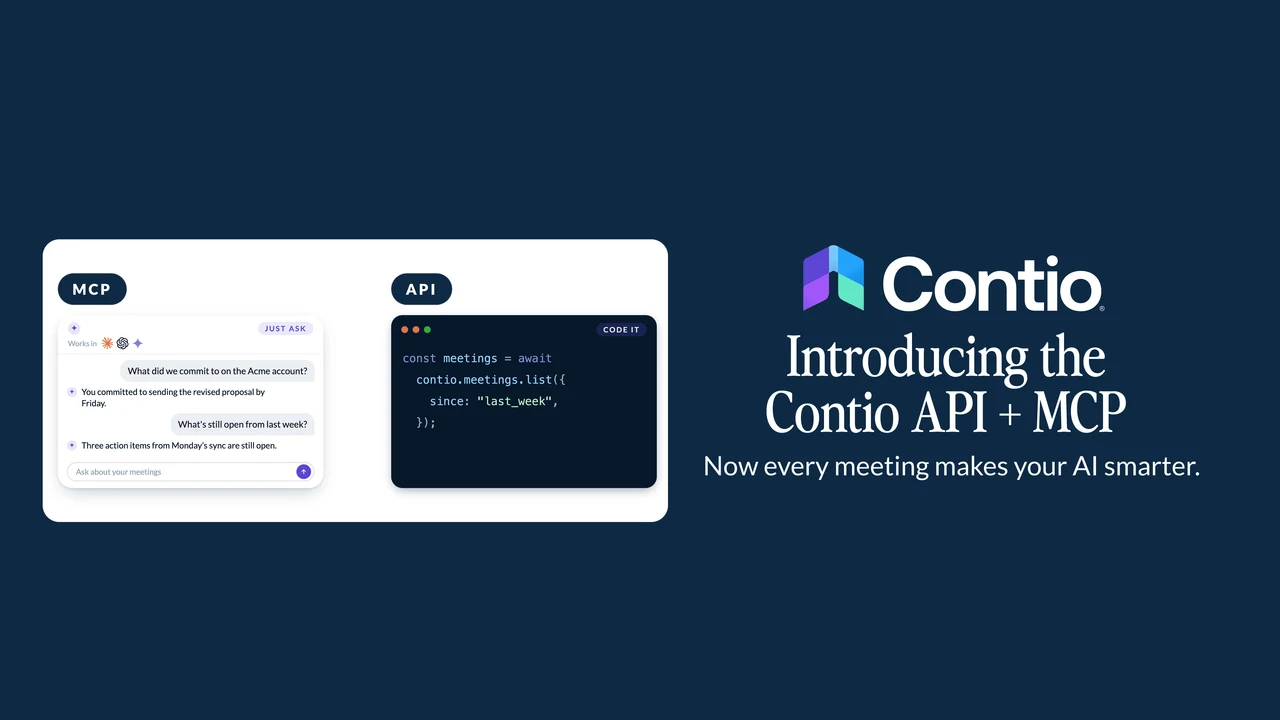
We just shipped the Contio API and Contio MCP.
Here’s why I think it changes what your AI can do for you — and how to try it.
The first time I connected Contio to my own AI assistant, I asked it an easy question: what did I promise everyone in this morning’s calls?
It answered in about three seconds. Every commitment. Who I made it to. The follow-ups I’d said I’d send. I hadn’t pasted in a transcript or dug up a single note. It just knew.
That’s the thing I want to tell you about today.
Your AI can write almost anything. But until now, it couldn’t help with the one place most of your real work gets decided: your meetings. It wasn’t in the room. Contio was. So today, we’re connecting your meetings to the AI tools you already use.
Two ways to put your meetings to work
We shipped two things. One to build on, one to plug into the AI you already use.
The Contio API lets you — or anything you build — work with your own Contio data: meetings, action items, agendas, calendar, and more. It comes with real-time webhooks, so your systems know the second a meeting wraps or an action item gets created. No partner agreement. No ticket to file. You grab a token in settings and go.
Contio MCP is how you connect Contio to Claude, ChatGPT, Cursor, and the other AI tools you live in. MCP is the standard that lets an assistant work directly with your meetings — no copy-paste, no switching windows. Connect in one click with the hosted version, or run your own.
The difference is memory
Here’s the part that’s easy to miss.
Most tools can hand your AI a single meeting. Contio hands it every meeting — the compounding intelligence of every decision, commitment, and conversation your team has captured. Ask a question, and you get the whole picture, not one call in a vacuum.
Your teammate’s client call last week makes your strategy session today sharper. That’s the whole idea. Every meeting makes your AI smarter, and it keeps compounding the longer you use it.
What you’ll actually do with it
Here’s the fun part. Your assistant already knows things Contio may never know — the market your client is moving in, the news that broke about their account this morning, the profile of the person you’re about to meet. Give it your meetings too, and the two together beat either one alone.
- Bring your meetings into your AI. Ask across every meeting, then let your assistant cross it with what it already knows. “What has this client asked for across our calls this year, and which of those has a competitor just shipped?” One answer, pulled from both — not two searches you stitch together yourself.
- Turn the conversation into the work. Ask it to draft the follow-up from the client call, the plan from the strategy session, or next week’s agenda. It works from what was actually said. The decisions and owners are already there, plus whatever else your assistant knows. You do the last 10%. (And yes, you can already do all of this inside Contio. Turning what gets said into the first draft is kind of our whole reason for being. The MCP just lets your other tools in on it.)
- Put your meetings in the bigger picture. This is where it gets good, because your AI can reach what Contio can’t. Prepping for a big pitch? Have it brief you from both sides: what you discussed last quarter, plus what’s changed on theirs — the new funding round, the exec who just joined, the post they shared this morning. Heading into a renewal? Ask where the friction showed up before, and where it might resurface.
Your meeting history, meet the rest of the world.
Your data stays yours
None of this changes the promise we built the company on: your meetings stay yours.
Contio never hands your meeting data to an AI model. We don’t record audio. We don’t train on your conversations. And no bot ever joins your calls.
When you connect your own assistant, that’s your call. You grant it a scoped key, you decide exactly what it can see, and you take it back whenever you want. You’re in control, start to finish. We just make it easy.
What comes with your plan
The Contio API is on every plan — sign in with OAuth and start exploring. The hosted MCP, personal access tokens, and webhooks come with Pro and up, for the one-click connection and the automation that makes real building work. Full-transcript export is on Elite.
Try it
Already using Contio? Open Settings → Developers, grab a token, and follow the quickstart instructions. Want to run your own MCP server? The agent-integration guide has you covered. Everything for developers — the API reference, guides, and MCP setup — lives on the new Build on Contio page.
New here? Start free — every new account gets full Elite access for 21 days. Connect the hosted MCP, wire up webhooks, and put your meetings to work from day one. Start free
I’ve been running my week through this for a while now, and I’ll never go back. Give it your meetings. See what your AI does with them.
— Aaron
Contio. AI that turns what gets said into what gets done.